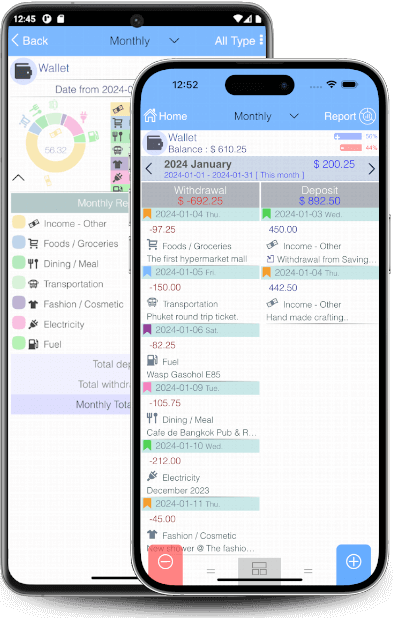

Evo-Wallet transforms financial management into a seamless, intuitive experience. Stay in control of your money effortlessly!

Evo-Wallet: Your Smart Personal Finance Manager
Evo-Wallet is a fully responsive, offline personal finance manager and money tracker designed for mobile devices. With a clean, intuitive, and user-friendly interface, managing your finances has never been easier. Quickly input transactions, generate reports, and receive instant summary calculations the moment a transaction is saved.
Unlimited Accounts, Unlimited Possibilities
Since everyone manages multiple accounts, Evo-Wallet supports an unlimited number of accounts for seamless organization. Categorize all financial transactions across various sources—including cash, savings, current accounts, fixed deposits, credit and debit cards, or cooperative savings. Whether it's an investment portfolio, special spending projects, home or vehicle installments, business transactions, or personal funds, Evo-Wallet adapts to your financial needs.
Effortless Transaction Management
Evo-Wallet simplifies transactions with Deposit (income/credit), Withdraw (expense/debit), and Transfer (between accounts) functionalities. Easily add, modify, or delete transactions with just a few taps.
Never Forget a Transaction
Attach photos to each transaction—whether it's a receipt, purchased item, store, or restaurant—ensuring clarity and better expense tracking.
Designed for Simplicity & Speed
Simplicity is at the core of Evo-Wallet’s design. Every function is clearly visible and instantly accessible—no complicated navigation or hidden features. Swipe left to delete, swipe right to edit, making transactions effortless. No need to memorize complex methods or struggle through tedious processes—Evo-Wallet is built for efficiency.
Your Financial Companion, Always at Hand
Say goodbye to overly complex financial management systems. Evo-Wallet keeps your finances clear, simple, and easy to understand—right in the palm of your hand.
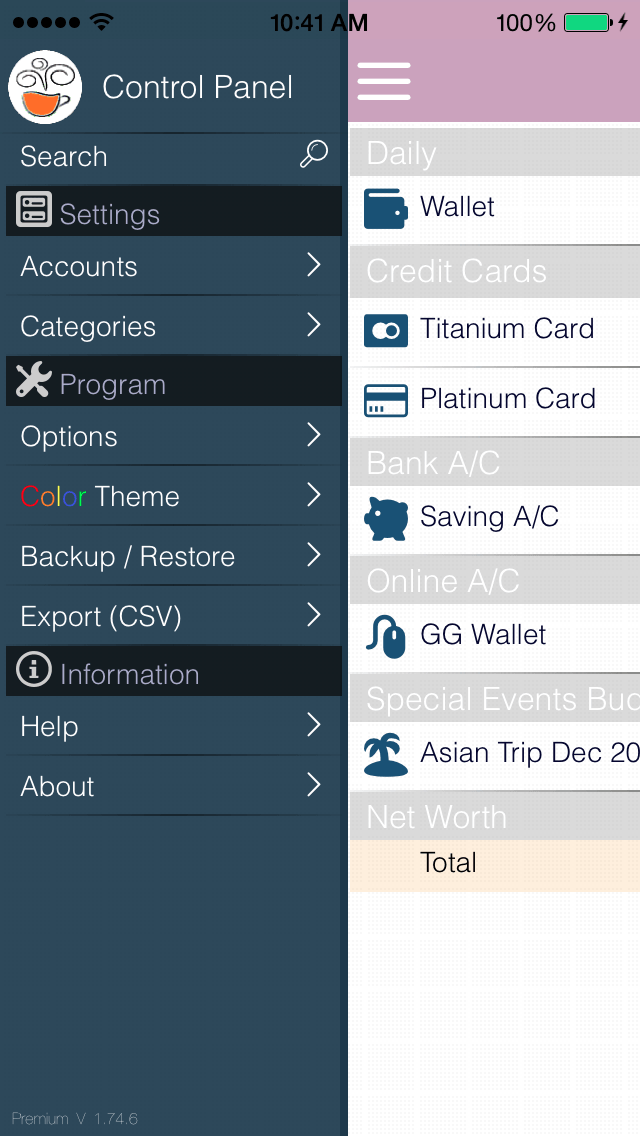 Control Panel : Easier to access to any screens, settings and options.
 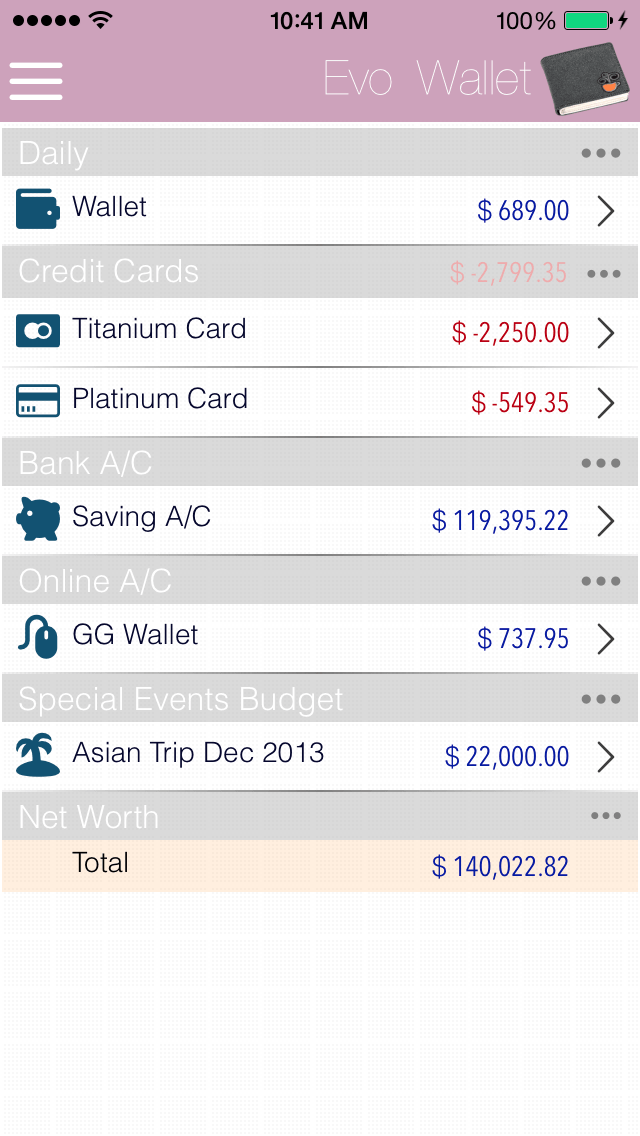 Main Screen : List all accounts with individual / summary balance.
 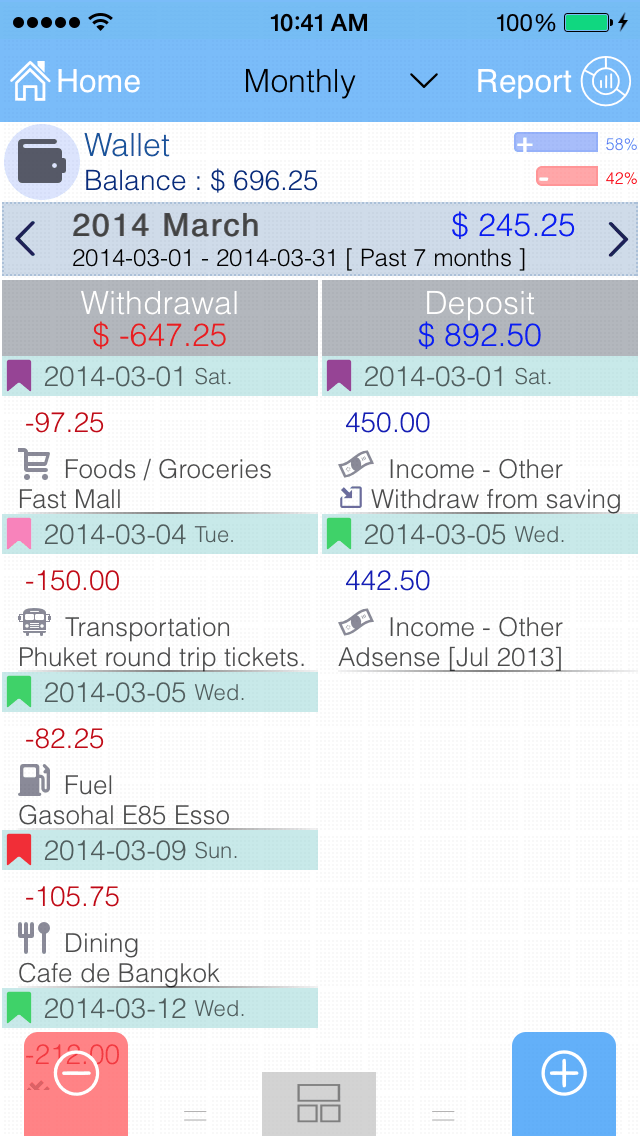 Account transactions : Two sides view style. (Independent scrollable & swap able side)
 Account transactions : Classic transactions list view style with balance forward.
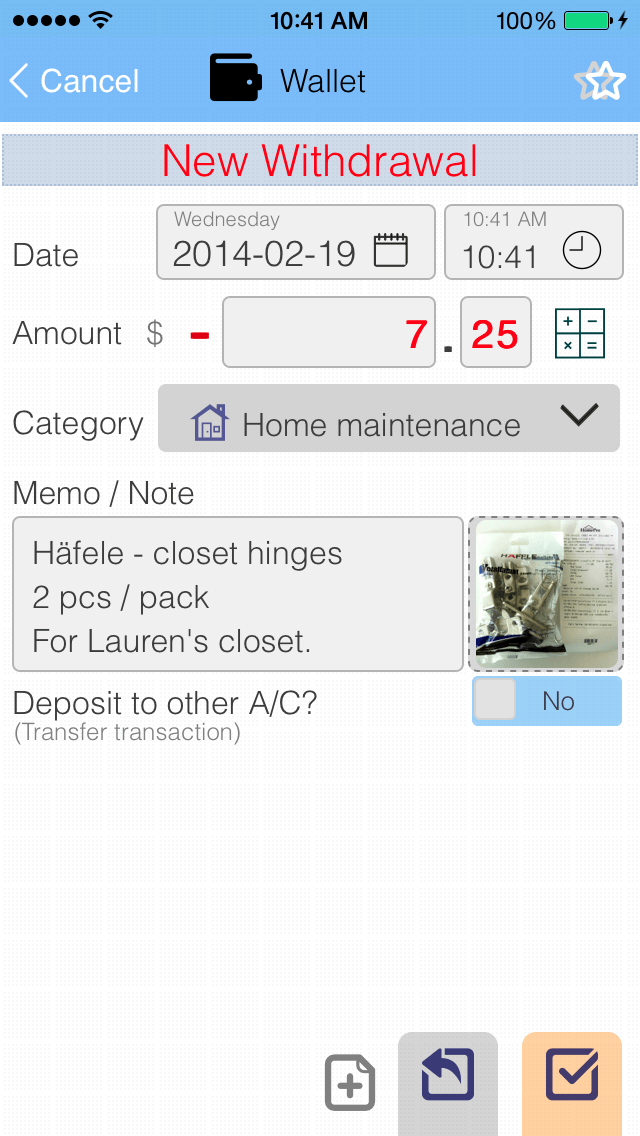 Transaction entry : Perfectly Clean & Easy.
 Mini Calculator : Built-in mini Calculator - NO MORE switching out for external calculator to calulate-remember-switch back to enter.
 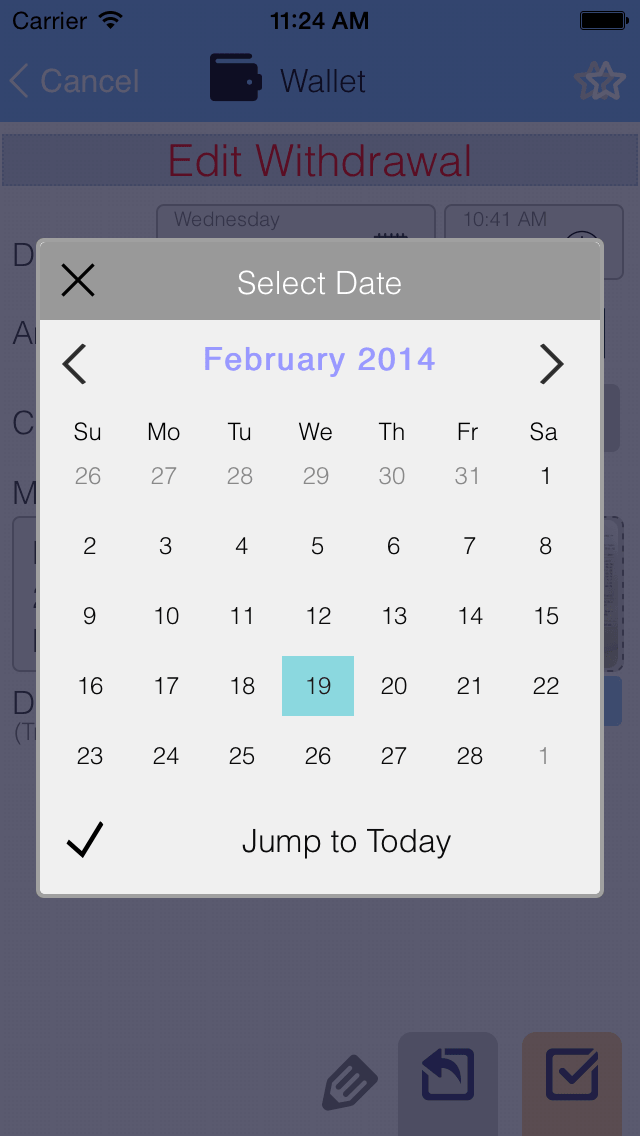 Mini Calendar : Clean, Clear & simple.
 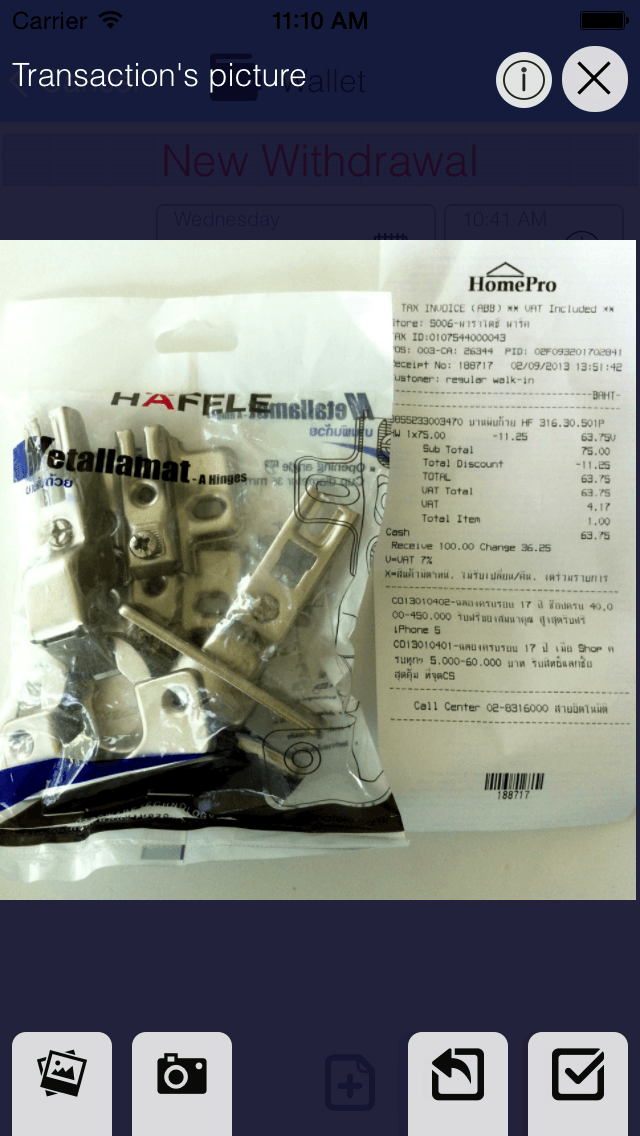 Receipt Picture : Take a picture of receipt (or anything related to the transaction), you will never forget them again.
 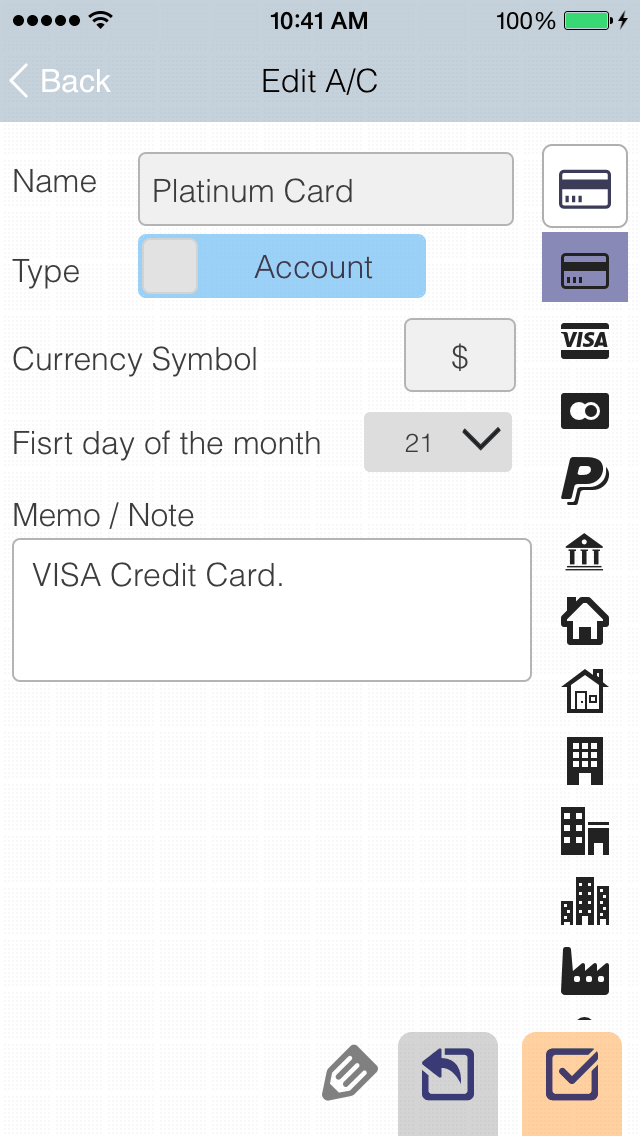 Account : Edit name, icon and currency symbol for each account.
 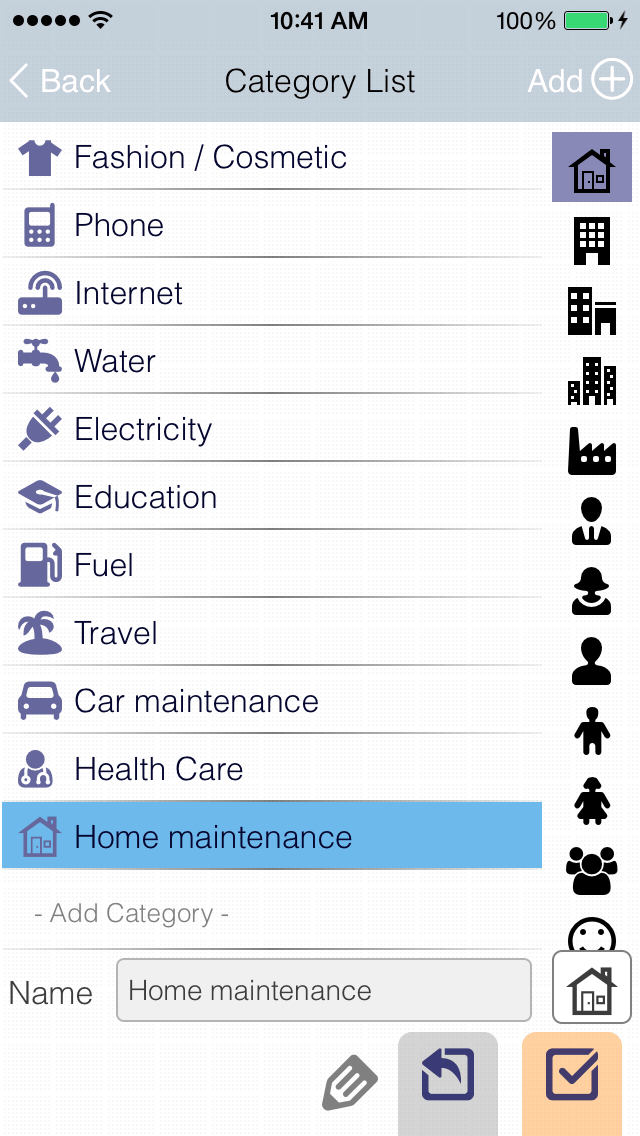 Transaction Category : Define your own categories with icon.
 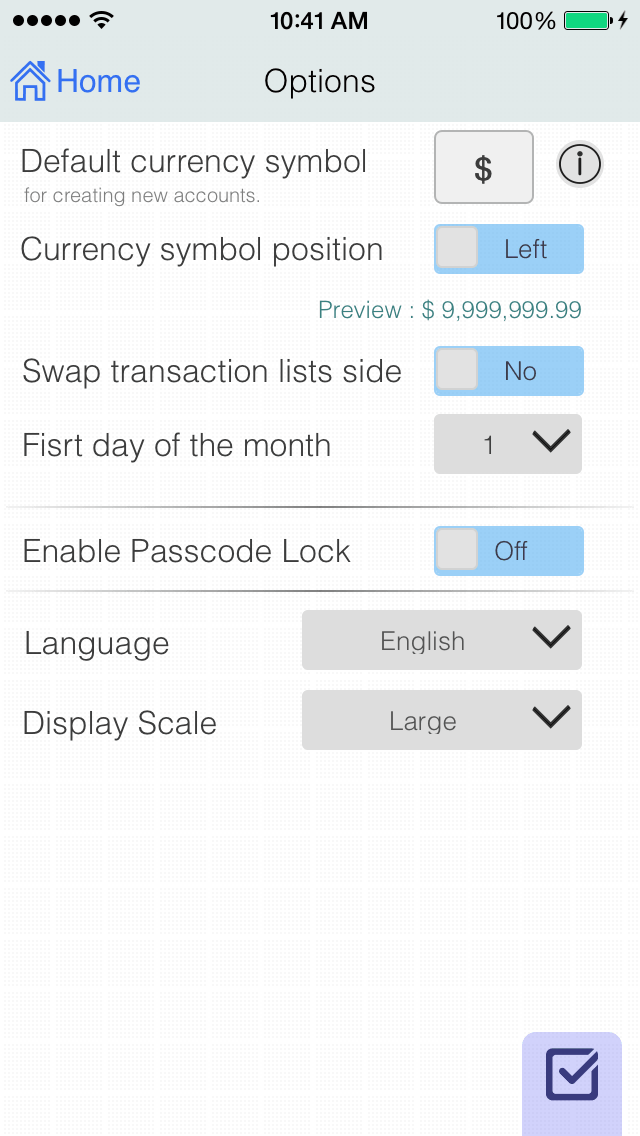 Options : Everything, NO! complicated.
 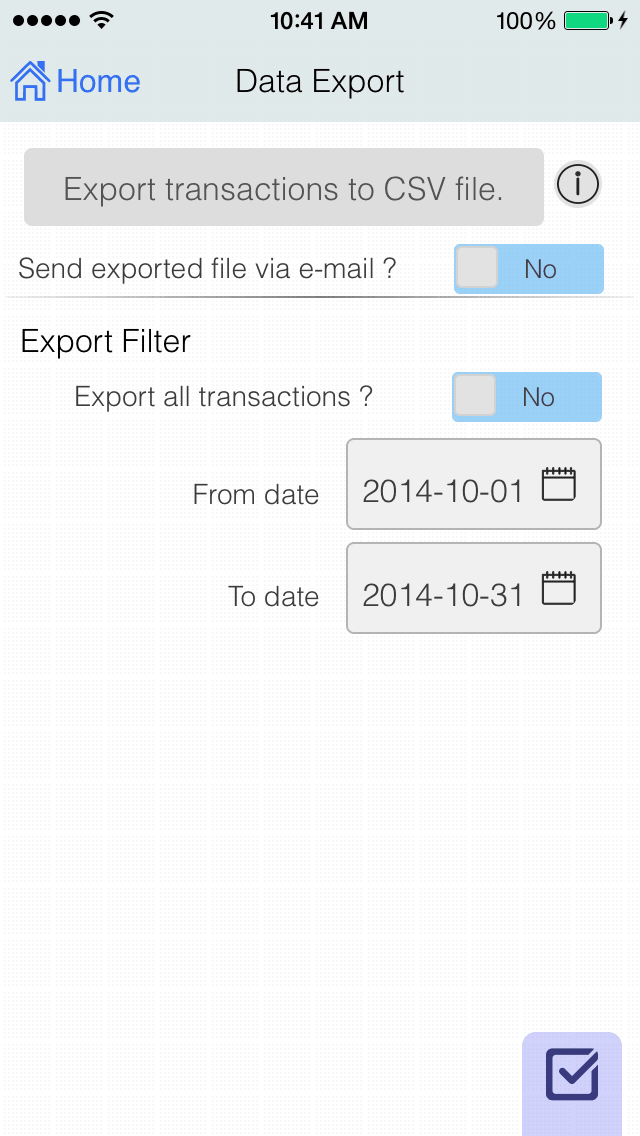 Export : Easy to export all or time period to CSV file formatted, with option to send via e-mail.
 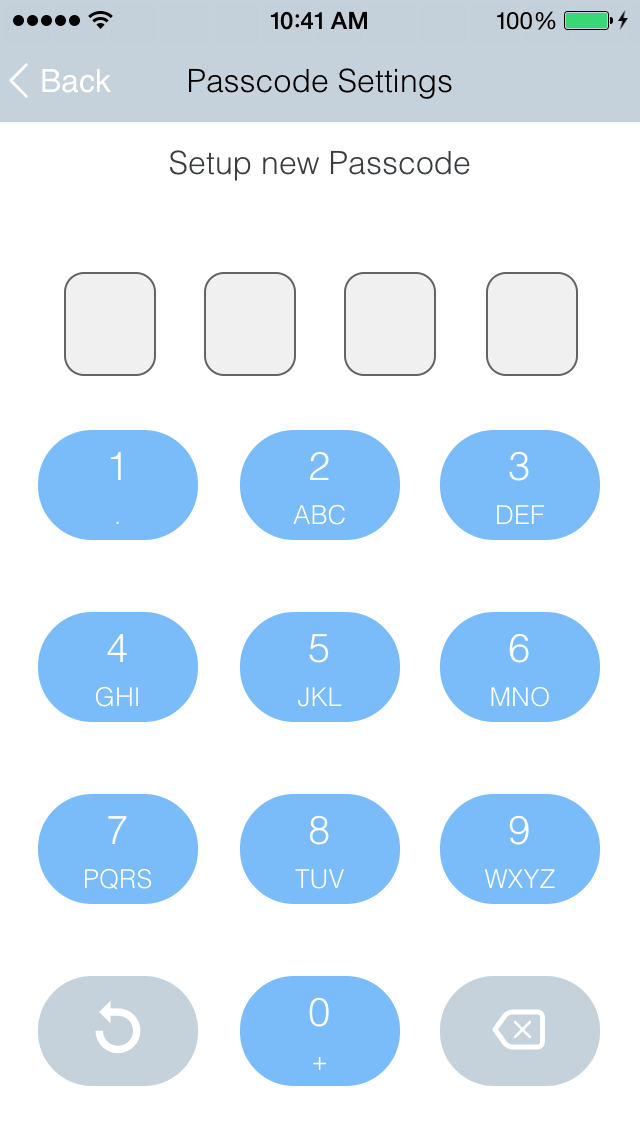 Passcode : Protect your sensitive data using built-in passcode lock. For iOS8+, Touch ID/Face ID supported (For all non home button devices).
 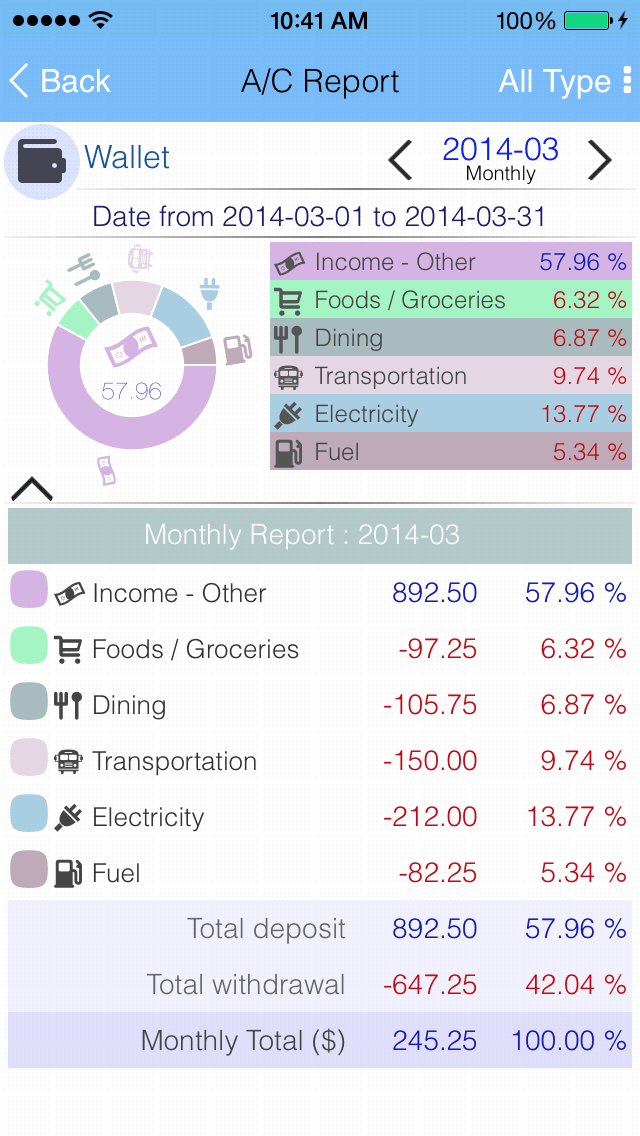 Quick Report : Pie Graph - Daily, Weekly, Monthly & Yearly with filter (Only Withdrawal/Deposit or Summary).
 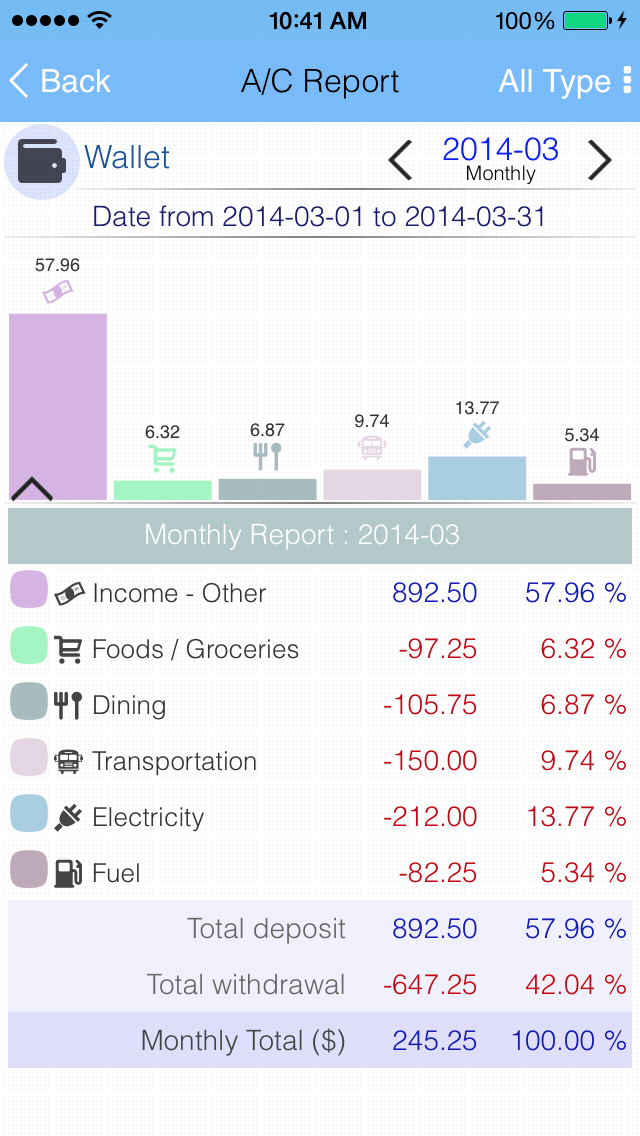 Quick Report : Bar Graph - Daily, Weekly, Monthly & Yearly with filter (Only Withdrawal/Deposit or Summary).
 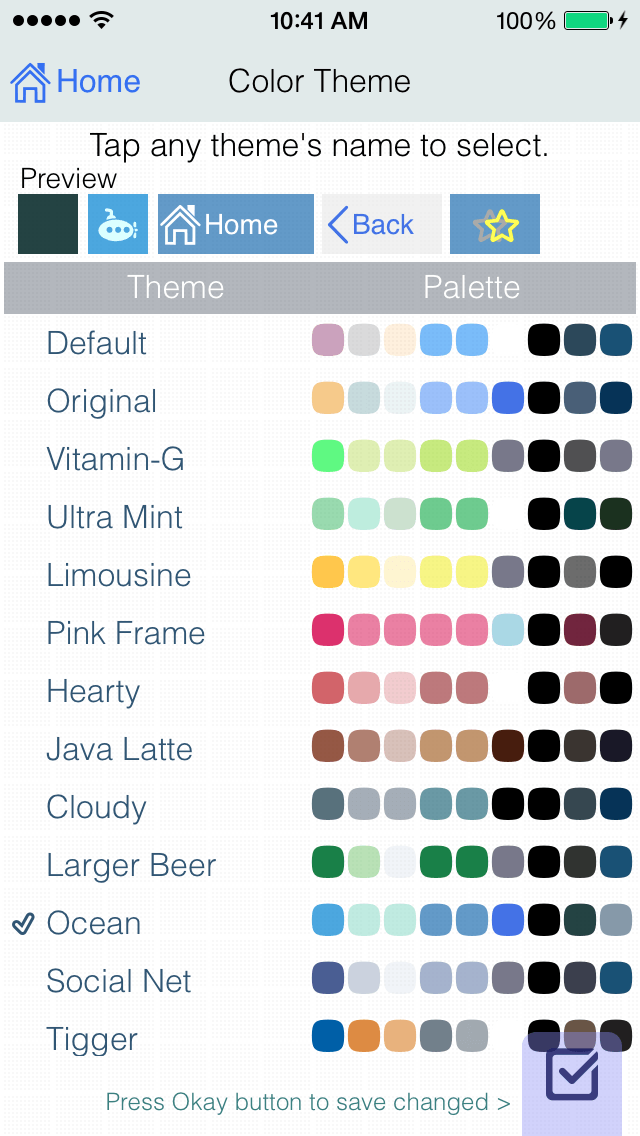 Color Theme (Premium Version) : Matches your style, with many lovely color themes.
 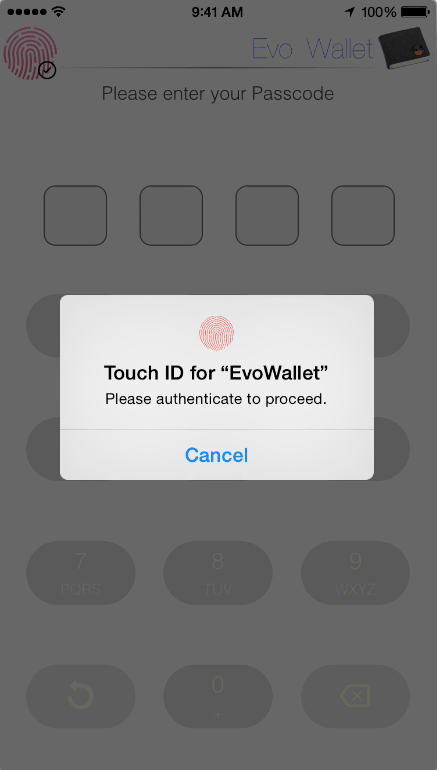 Apple's Touch ID/Face ID support, Access to your data more secure and faster.
 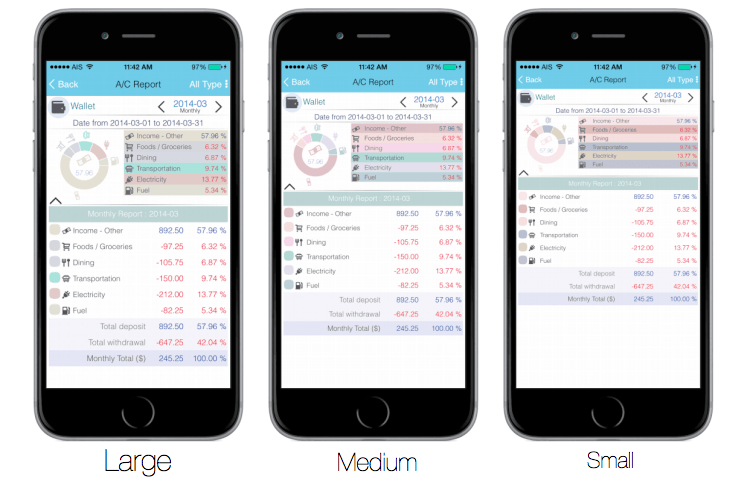 Screen scale size : Configurable for all HD/Retina display devices, maximize your visibility.
  Colour Themes (Premium Version) : Only for Premium Version.
  Let your friend scan this code to visit our web site.
 Although we try to develop and test our best we can to eliminate all the bugs. But in reality It may always happen In the world of computer programs.
We value your feedback. For bug report, suggestions or comments :
Chat with us on FacebookFor business enquiries, please drop us an email :
* We can develop custom application including OEM to your specifications. : +(669)-9289-5522 [iMessage/LINE]*


 .
. EvoWallet
 Free !
  Free !
  Free !
  Free! Electricity power & cost consumption calculator.